Prabesh Thapa - Decoding OAuth & OIDC: The Path to Secure Authentication

Show original YouTube description
Show transcript [en]
hey everyone uh thank you for coming to the talk and uh welcome to bides this is my first time ever talking in front of the podium so I'm pretty pretty nerv nervous uh I'm so like please forgive me if anything if I fall down or just faint up uh so uh thank you so much for attending the talk uh today we'll be talking about um o o and oidc how it works how it works under the hood and and and we'll we'll like see different overflows uh before we begin uh let's do a quick intro about myself uh my name is PR I am currently working as a senior s at capsule and my work revolves around
backend infrastructure and security I have like good like neck for like more interest in security so and I'm also a doctor Captain so um today today we'll be going through a couple of things uh in order to know more about o and IDC we need to like know couple of underlying details or or terminologies so we'll talk about little bit about uh digital identity we'll talk about encryption authentication and authorization we'll see uh we'll talk about tokens and the different types and then we'll go into o how it works and how it fits into with oidc and we'll go through some recommendation and security consideration at the last and I I'll hope like we will do couple of Q&A and
and that that's all for this talk so let's begin so before we begin right in physical world we have our physical identity with us we have our facial structure we have our like eyes blue eyes like black hair and all those different physical attributes that we use to identify each other in the physical world similar to that anything that we use to identify ourself in digital world is known as digital identity I think we all are aware of it example would be our unique username our email address our biometric data digital certificates so all of those are are the one that we use to identify ourself in digital digital world and also are called digital
identity uh let's talk a little bit about hashing and encrypting because we'll we we'll go through it throughout like a lot in through this talk um hashing is basically converting a plain text into a fixed length character called hash and most most of the time we use hashing to check the data Integrity whether it has been tampered or not and the result of hashing is a fixed length depending on the algorithm that we use uh it results in a fixed length uh gius character right uh compared to encryption U encryption converts plain text into a cipher Tex using different algorithms and unlike hashing it doesn't result in fixed length U output it can it can be it can be of variable length
so the key key difference between uh hashing and and encryption is you could decrypt the decrypt the U value to get the original value while encrypting or it's a two-way process while hashing is a one-way process like even if if you see some website where it says it is decrypting it is trying to compare the two hash of two values uh not actually decre like reversing the hash so it's it's a one-way process so let's do a quick question I think it's too early but yeah it's good um can any like so we have all use B bcrypt and Bas 64 right please like raise your hand like if anybody thinks bcrypt is hashing or
encrypting like so is it is it hashing or is it encrypting yes so soorry no BP in is it's a hashing technique uh we don't encrypt the data so same for Bas 64 like how many of us thinks uh base 64 is hasing the governor ofin sorry the governor of Wisconsin uh how about encrypting like do is B 64 encrypting no right so B 64 is neither of those it's actually encoding so there is a difference encoding does not add security to the value unlike hashing and encrypting so we like there these things needs to be considered let's talk a little bit about authentication and authorization I think we are on infos talk and everybody is pretty aware of
those but let's quickly go through it authentication is basically verifying who you are claiming to be and authorizing is authorization is more towards do you have access to access like do you have access to view or interact with particular resource protected resource so those two are two different things um now one more thing that we need to discuss before we de dve into o is tokens um tokens are basically short like carefully crafted uh mathematical like it's just random string but it's it's not random as in it's created with good algorithms but yeah basically it's it's used to either verify user Identity or or Pro access to certain resource like similarly if we go in different
different like DMV right they give you token unique token to which you show it to the clerk or or anybody sitting there and to validate sometime we use it to validate our identity sometime we use it to um provide access or get access to certain things so nowadays like there are a couple of different type of tokens you would see in the internet um there are like there are different types are access token refresh token session token ID token and CSF token so access token is basically this token is used to provide you with particular access to protected resource that's it not authentication unlike and refresh token is if your access token expires you need
some way to re regenerate the access token right that is why we use refresh token and there is another called session token session token is when you are logged into a website you need like you browse into different pages you need to make sure you are not prompt to log in every single time so session token are used to maintain a session use most of the time we use cookie like store it in cookie and there is another type of token called ID token ID token unlike access token is used to verify verify our identity so it contains user information built into the token itself and there are other tokens like csrf token which is used to make sure like uh
like our data or request is not for in any shape of form so these are the widely used token you will find other tokens in in in the internet running around but these are the most common Ed tokens in the internet so now we know some Basics or or like terminologies of of of which we need for o let's let's talk about o o is a open like standard authorization framework like people like people get confused with o as authentication but it is indeed uh like like it is in fact authorization framework it just it is used to verify whether a person or entity has access to particular resource or not it doesn't in no way or shape of
format validate the identity of the user so something to be careful about and it helps like o is used to delegate permission to like suppose I am using a app and that app needs to access my ga profile or my uh profile or my profile information stored in other other my like Facebook or GitHub or LinkedIn then we delegate the the delegate the permission to that app to view that resource on my behalf and also oath is pronounced as as I said o and it's not same as ozero uh ozero is a product by OCTA whereas o is authorization framework and so o comes with like in the framework itself uh each entity is assigned a particular role they need
they are like they each the role is differentiated based on the permission and the responsibility they have and there are different like four type of roles uh let's go through each and one of them so resource owner is somebody who owns the resource so I am the resource owner for all the data or information in my GAA profile and resource owner like owns the data in the resource server and and it like most of the time resource owner is also referred to as end user so basically I am resource owner for anything in the internet which which which which belongs to me sorry uh there is another thing called resource server R RS resource server is the server that
hosts the protected resource so if my like GitHub has all my information right GitHub res GitHub is the resource of for my GitHub like all the of codes my profile my email information and G resource server are U capable of accepting the request and and responding with certain resource suppose um I request GI up server to give me all the my profile information it will I will send the request to get of resource server and it will send the response back with all the resource un with unless like but in order to get that I need to have access token as I mentioned there before client client is a bit like so it's a application that wants to access
uh resource protected resource that is sitting on resource server sometime the resource server and the like resource server and client might be of different app example would be suppose if you build a oath app and it needs to log in using Google Now that client needs to get profile information from Google's resource server to like provide like it it needs to talk with Google's resource server Then That app itself is called client and it's it's a bit controversial as well so if you if you think of it in such a way that server in server client architecture if somebody says like if I am requesting some detail with with the application I am the client and the
application is the server right but in O application itself which tries to access the resource seting on resource server is the client so just to clear the confusion whenever we mention client in the stock it's the actual application or web app running which which wants to access some protected resource and there is something called authorization server or as um basically the role of authorization server is to issue access token so I or resource owner initiate or clients request the authorization server to generate a access token for me and it is responsible for getting the request from the resource owner and and and generating access token but before generating the access token authorization server also request for
something called consent consent is basically end user me uh saying I consent to this activity so whenever you log in or try whenever Google like you log in with Google on certain app it says you do you want to allow this operation on on the application so that is the content screen and once uh once all the process is done authorization server issues are access token then then that access token can be taken to the resource server and fetch the protected resource so there are other terminologies as well uh you'll hear a lot in o one is authorization request it's it's the request that as I said client send a request to authorization server right it's it's a request that is
sent by client with various parameters we'll see in a minute to authorization server and and and it is approved by resource owner uh there's another thing called resource Grant as well so resource Grant is after after resource after resource owner or authoriz resource owner grants the request to the authorization server to provide access it it grants you with the grants with the permission and a code so basically authorization Grant is that Grant there's another thing called redirect URI redirect URI is basically once like when when somebody tries to access the some like resour particular resource on resource server uh it needs to get the consent and also redirect user back to the original app URL right
this is this is this is the redirect URL they are also known as callback URL where user needs to be redirected after all the uh consent has been given there the other thing is scope scope is basically limiting what level of access a person or a client can get when when doing the o t uh consent as I as I said is a as a approval approval process where where somebody like where uh authorization server request or resource owner to actually like do you want to give this person access to this resource so let's see how o Works in general so we have a client what happens is Client First initiates authorization request to Resource owner now now once
everything is validated by resource owner it responds back with authorization Grant and that Grant contains a to code like ual code uh called like authorization code like we'll talk about it more and client then uses that code and sends another request to authorization server now and in after after the code is validated and verified authorization server responds back with au like access token and that access token now the client can use to access the protected resource in the resource server sometime authorization server and resource server can be on the same server as as well it doesn't have to be uh like different so once client sends the request with access token it responds back with actual like details
requesting from from that protected resource so the the thing that we just saw now it's called an O flow there are different kind of flows um so flows is basically a series of T steps or dance that client needs to do to obtain access to the protected resource that's it like it's basically some like fancy fancy dance move you need to do to access the resource uh there are different flows authorization code Grant flow there are like code with pkc we'll go through each of them uh implicit flow resource owner password Grant flow and there's like called something called C credential flow as well so let's look into each of them I'm not sure if it's visible or not
but I'll try to explain so authorization code grand flow uh BAS basically in this type of flow what application does is client redirects the resource owner to authorization server endpoint and then after after like the redirection and validation is done AR like resource owner as as a me user consents to that operation and then authorizes the access request after that is done access authorization server responds back with a authorization code and then client can use that code to act actually access the um authorized like protected resource so we also talked about it before that flow or this type of flow is called authorization code grand flow or it's also called three-legged flow um let's see how it works in code
uh when client redirects with uh redirects to authorization server endpoint it it adds certain parameter as part of the query param so the thing that you see there is called response type equals code that is where you specify what type of flow that you want to use and the second is client ID client generates its own unique client ID and send it to the server and we also need as we discussed we also need to send the call back URL or redirect URI where after everything is done and consent is approved this is the URL authorization server would redirect the user back to uh scope is as we discussed certain limited permission we only want
the access token like whenever we return back the access access token to the client we don't want to give them all the permission right we want to limit it to certain particular level so with this with this request client would be only allowed to create and delete the resource we we could tune it down to profile information only but yeah and state is make sure like we are trying to make sure none of the data is tampered in between or like when request is sent and and we receive the authorization code uh nothing was changed now once once we send the request over uh what happens is authorization server now responds back with the uh like this like as you can
see the URL right this is the same URL that we passed in as part of the redirect URL and along with that now authorization server adds adds some values in the query pattern um which one of which is code that is the actual authorization code and now client uses that code and sends the request to actual actual authorization server to generate access code now we can see Grand type we're using authorization code and Grand type is also flow type like don't get going get confused basically it's it's Grand like Grand flow steps like it's all been they all mean the same and there's a client ID uh client generates its own secret and sends it to the server and
again we send the authoriz redirect URI and the last thing we send is the code that we just received this is all done by client right now once we s send the request authoriz now authorization server validates the authorization code validates the state validates the client ID and then after everything is verified it generates the access token with with expiry so you can see it responded with token type it's a bearer token it responded with certain expiration time it responded with access token which is what client would need to use to communicate with resource server to fetch protected resource uh we we tune down the scope as well um these are from different examples so the scope is
different but as you like you can you can infer basically we are trying to limit down the permission to particular particular resource only and it also responds back with refresh token as we discussed uh in case when access token expire client can use this refresh token and send it to the uh authorization server again to generate a new new new access toen this is also called silent silent auth um now the other thing like another overflow that we would need to talk about is is O code like authorization code grand flow with pkc so everything is same everything is same but with pkc we add couple of extra step to verify verify none of the request was
tampered in between with like so what happens is client generates the code verifier and then generates a code challenge now both of them are like random string random string which is encrypted using sh 256 uh and then that code is sent along with original O Like O request or or original authorization request to the resource server sorry authorization server so as you can see um everything is same the only thing what that we are sending extra is we are sending the code challenge value and also the method now like authorizations validates the request and responds back with code verifier as well so both the resource like client and authorization server would keep those two values to make sure
none of the interaction or like we are not basically protecting ourself from man in the middle attack there is another flow called implicit flow uh unlike authorization code grand flow where we send the request to authorization server it sends like resource Ser it sends request back with actual like code authorization code and then we use the code to generate access token in this case client redirects the request to authorization server and authorization server once validated it directly responds back with access token there is no authorization code in between now the problem with this approach is it response back in the access token in the query param as well so there are like you can see there are
other like a lot of issues with this as well right if you're responding as part of the query param High chance the the value might be stored in like browser history or or anywhere so this is not recommended but but for the sake of going through all the flows we we are discussing about it uh if you like if you try to avoid using placeit flow as much as you can because um safety wise it's it's not good now other other other flow that we could talk about is resource owner passwort credential flow or ropc so basically what it does is suppose um your resource owner or authorization Server doesn't like it's a legacy product or Legacy system and doesn't
know how to talk with oath you just need you only have username password so in this case we use resource owner password credential uh where client directly sends the username and password to authorization server and that authorization server validates the credential and then response back with access token um yeah so the other the another flow that we we are talking about is client credential flow basically in client credential flow client sends it own credential in credential to authorization server directly and authorization server verifies the credential validates and then issues access token directly to the client the difference between this and ropc is end user is not involved in here it's it's client stores it credential
locally on on their machine so suppose if you had two microservice trying to communicate with each other using oath you would use CR credential flow uh so yeah we went through oath we went through all the terminologies of oath we went through all the flows of oath now let's talk about oidc or open ID connect open ID connect is a Authentication Protocol that is built on top of o o so like it's they're not different it's just o is O is the framework on top of which oidc is built up it adds like o as we discussed it add o gives you authorization access whereas oidc it adds authentication on top of it so yeah identity layer on top of it and
whenever you see ID token being circulating around you can be assured like it's using IDC on the dhood and and yeah IDC uses oidc sorry IDC uses ID token and most of the time we use JWT but there are other other ways like there's no mandatory hard and fast rule to use ID like JWT you could use Opa token or or any kind like nowadays pesto is getting more popularity as well so it depends on the company how you want to roll it out but yeah so how oh like we already have seen this diagram right it's just it's a general o outflow the only difference is when everything is sent back to authorization server with authorization
grant instead of just responding with access token authorization server again responds with ID token as well and that ID token contains users information so same we send the request o authorization code grand flow or or or flow and send a request and the only difference now with normal o o request and IDC request is we add open ID as part of the scope basically adding this effectively makes this or YDC request and after that everything is the same we do the what dance and at the end we we are returned with ID token now client can use that ID token to uh get different information like issuers who like or scope of it all everything like
as you can see the uh ID token is also if you're using JWT it is separated into three field one is the header I'm not sure if it's visible but those three Gus value are divided by a DOT and and the first one is the header last one is the signature and the middle one is the payload you could just copy this and and go to JWT debugger and paste it and you should be able to see all the information so the next question like we have like people might have is when should I use oidc and when should I use o um it's simple if you want to authenticate somebody use oidc if you
want to authorize somebody use o only so oidc is like ideal for scenario where you authentication is your primary concern suppose um I created a app that needs to communicate with like I created a app which uses or and communicates with Google server you would need to send open ID request to authenticate because when in application that says like continue with Google or sign in with Google it needs to verify the identity of user as well so in such case you would send o request but you would also add oidc as part of the scope and make it effectively IDC request um you use O2 for authorization basically trying to Grant some user permission to
protected resource and also a lot of time oath is used to delegate authorization you instead of you doing it yourself you like you ask some like third party app to authorize on behalf of yourself so let's go through some recommendation um if you are using a app which wants to use or or sign in using social you just use o authorization code grand flow or o authorization code grand flow with pkc uh if it's a server to server interaction or API to API interaction uh you would use client credential flow because client can and having said that this we need like if you're using client credential pro client needs to um store the credential itself so we need to make sure client
has like stores the secrets or credentials safely and if you are using mobile app authorization code Grant with pkc is good enough and same for spba and like if you're using CLI apps or demons you don't need to interact with each other that demon needs to automatically communicate with your what server or or authorization server you you would use author client credential flow and for legacy application where where you like where or is not built upon or it's not supported you would use resource owner where you actually pass in the username password so couple of security consideration is client authentication right there is high chance when when we send request to client a client sends
request with over over to the authorization server resource server it could be intercepted with using man in the middle attack um so what we need to make sure is all everything is encrypted Us in in at rest and at Transit using mtls or TLS and as we said uh pkc if you add pkc with authorization code grand flow you would uh you would address the concern like sorry you would address the issues where somebody try tries to impersonate impers impersonate as a client and try to access proted resource from the resource server and if if you are using access token or refer token make sure you are storing it securely um maybe use hmac or any any any kind of a
bit more one way one way encrypt One Way hash hashing protocol or and make sure they are expiring at at at like limited they are only issued for short period of time generally access token are expires within the session of the user and refresh token are longer around 24 hour depends on the company we need to make sure uh attacker can't use the credential gasing attack so so in order to do that like we would need to make sure like Implement some kind of security measure where where where people can't guess that act maybe make it longer or or make it make it more complex use a bit complicated protocol algorithm um we also don't want to make
sure people um can run fishing attack or csrf attack so as we discuss we are sending the state value and and the pkc verifier value this would protect you from csrf F fishing uh we need to make sure all the requests coming in and out and on the redirection URL are also validated and and are defined as part of the course so yeah I think we are at the end of the talk it was so fast so before we leave there are a couple of things that we we need to like if you don't remember anything just remember like key takeaway with this talk would be this thing oidc is a protocol and o 2 is a framework
oidc is built on top of O and oidc is used for authentication and or o is used for authorization and when you are in doubt which o flow to use just use authoriz and code grand flow with pkc uh do not treat ID token as same as access token because it's your implementation how it's like O is a framework but implementation it depends on like depends on company company to company some people or some company uses hybrid flow so do not try to use ID token with access token they are completely different and and at least but the least uh just use your best judgment ask your friends peers and that's it uh if anybody has any questions
all right let's thank our speaker
hi I'm here for
questions can you explain a a few key differences between uh the O Noah de and saml oh yeah so saml is like obviously saml is also used for SSO and samel was pre 2010 era where company didn't had option where like or framework or behind it so you would use assertions and and xmls and send the credential over so samles is still relevant like if you go to bank or or or Legacy system that doesn't support o framework they still use SLE but best practice would be to use o and the key difference like main difference is s is hard like it's it's hard it's it's complicated there are different places you could make it go
like it could go wrong and and it's just it is it was like it's it's good for legacy systems and Tech but if you are using new systems or building new app or new tech from grounds up try to integrate it with oath and and that that should be say good enough so only Legacy systems the difference is you use it for legacy systems uh yeah that's all so these are the references I've left the link to the playground which you could go and have a play and and they have good tutorials as well and thank you so much uh this was one of my first talk when I stood in the podium and spoke so
I'm pretty nervous thank you so much for listening through and and I hope uh you could take some some information with you uh feel free to connect and that we like enjoy the rest of the conference thank you [Applause]
Related talks
 48:11
48:11 14:37
14:37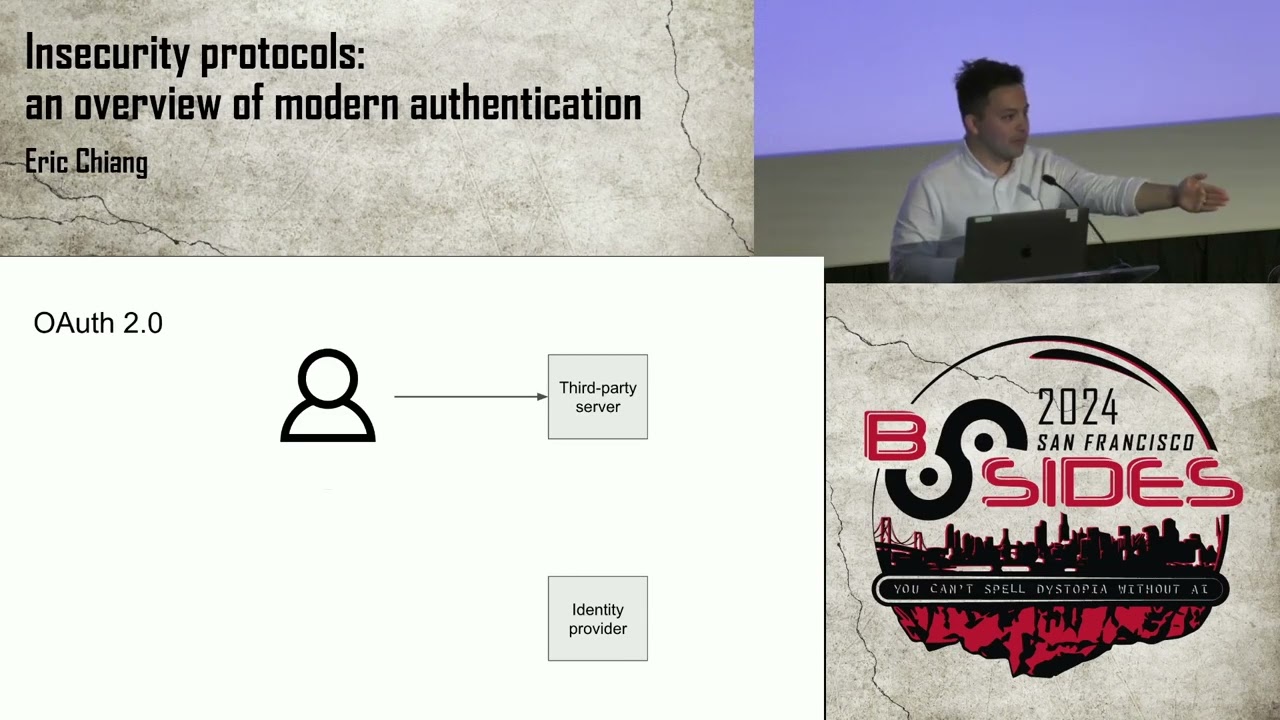 30:09
30:09 45:26
45:26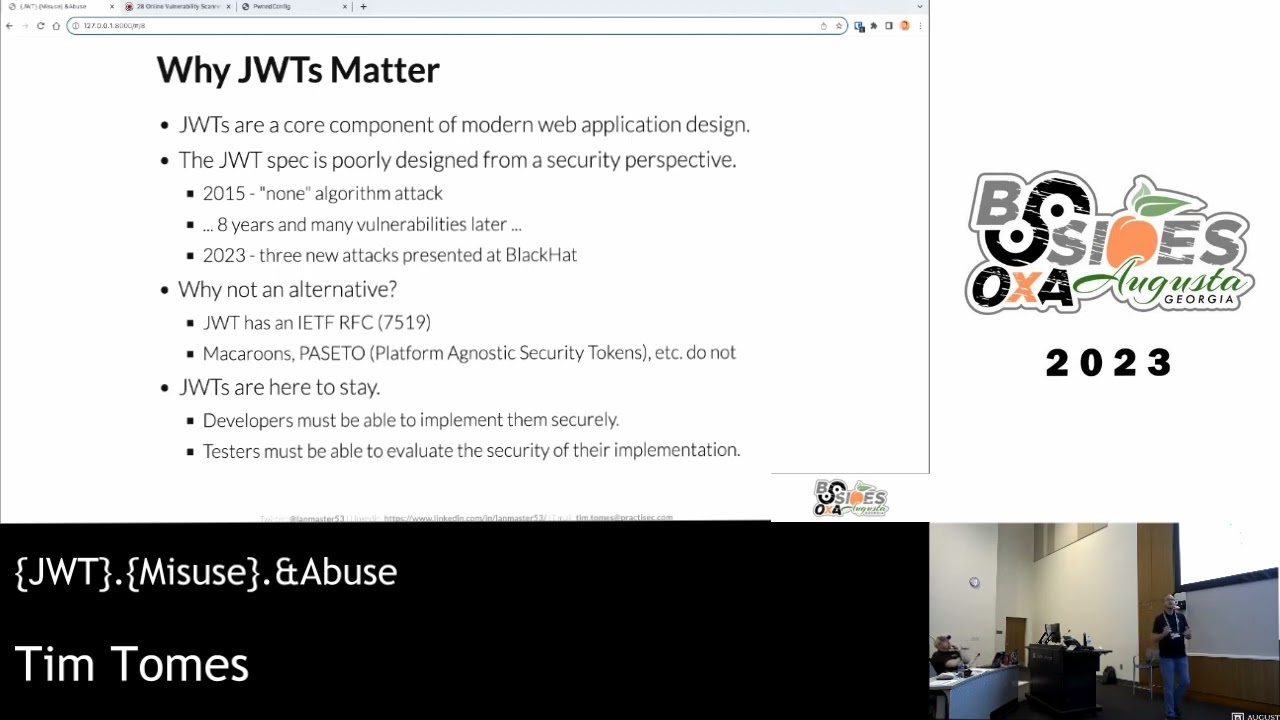 54:32
54:32 44:06
44:06