PG - Social Media in Incident Response Program - JoEtta LeSueur
Show transcript [en]
All right, cool. Hi everyone. Welcome to Proving Ground. Oh, it's on. Oh, not on. Oh, it's because I'm talk loud. Hey everyone, welcome to Proving Ground. Whoa. Damn it. All right. Hi everyone, welcome to proving grounds. This is uh social media and incident response programs with Joeta Lassour. Hi everyone again. I'm Joeta Lassour and this will be a discussion about using social media in your instant response program. So a little bit about myself. I'm what you call a code monkey suffer mom of three. I was a developer for several years using using various languages. I took a hiatus and stayed home with my kids for a few and now I'm in appsc or application security.
I'm currently a graduate student at Kennesaw State University. That's just north of Atlanta. Uh quick disclaimer, this is um my thoughts, my opinions, and not of that of my current employer. Okay, as we all know, there are a lot of social media applications. Move over here a little bit. There we go. Uh out there in the marketplace. So, I'm hoping that I can kind of narrow that down. That one. Okay. Sorry. That's okay. All right. Cool. All right. So, I'm hoping I can narrow that down to a few that you could take home with you when you go back home. Uh, so kind of funnel down that huge marketplace of social media into about two.
You're going to need a a superhero team of social media applications to help you with your incident response program. Social media is like a superhero. They have their strengths and their weaknesses and you need to know which hero you need to call on depending on the particular threat at hand. All right. So the first goal I wanted to get through on this particular talk was to help look at social media from two different perspectives. One is you can use it as a monitoring tool. If you pick about two applications, like I said, that's a manageable size where you can have dedicated associates and you can train them on those two applications. From a communication standpoint, you can
use social media. Uh, set it up before an incident occurs. You want to prefill it with your account credentials and your predetermined list of users. This is critical if your email communication that you rely on on an everyday occurrence might become compromised. Sony would be an example. So then you would have an outofband communication tool ready to use as long as you've already got it preconfigured. You can use this for internal communication with your associates and you can use this for external with your customers. Be sure to state the particular social media application that you're going to use is the official communication channel that you're going to use for status updates when an incident occurs.
You can use these tools to schedule the periodic status updates during the incident and then again after the incident has occurred. You need to have laser focus. So what do I mean by that? So you need to find out from your corporate management what kind of social media applications are already being used. You can find a social media application that can help monitor those particular tools. So for example, if your company only uses Twitter, you can find a social media application that can monitor just Twitter. I'll show you an example of that in just a minute. You need to find a tool that's flexible but not too flexible. You want to be able to configure it for
your particular corporate needs. Social media can be a weapon of mass distraction. What do I mean by that? We all know if you're trying to go out there and post something for work on Twitter, you might say, "Oh, what's going on on my own Twitter account?" Or, "What are those happy little cats doing dancing around? You want to train your associates to look for those kinds of pitfalls. You don't want to have a team lunch like this. Okay. The second goal I wanted to go over again were some of those points I just mentioned laser focus. So from a monitoring perspective when you look at a social media application to monitor your other social media applications
find out what those social media applications are. so that you can tailor the application to look and monitor those particular applications. Configure it to your particular corporate needs. What works for you may not work for another corporation. From a communication tools standpoint, you need to decide if you're going to run it on your internal network or versus the cloud, right? Um because expect the unexpected. If you run out on your internal network and your network becomes compromised, you can't use your backup communication tool. Work closely with your legal department. Come to an agreement before an incident occurs about how you're going to react to particular instances, how you're going to communicate over that social media application.
Again, if your main communication tool is compromised or interrupted, what's your fall back plan? Decide before the incident occurs. Here's some social media tools that I'm going to mention here today. I don't have time to go into depth of any of the features and functionality of all of them and just kind of mention them to you as hopefully you can go home and start using them. All right, first up is crowd map. So if your corporation has to deal with physical incidents or disasters, crisis management if you will, then crowd map might be a tool for you. Let me give you an example. A tool very similar to this was used in the 2011 Japanese tsunami incident. The
main utility companies were down. People cannot use that as their means of communication, but they could use their cell phone and text messaging. They were able to find out where survivors were and match them up with their family members. They were also able to do this to find out where resources are needed. So now that you can look at a tool that looks from a physical crisis standpoint, maybe you want to now look at hashtags or trends that are going on in a particular geographic location. So trends map is a tool. This is the free version here where you could look at the trends going on in particular physical location. So where would this be uh something you
could use in an incident response? So an example of that if you remember back in 2013 there was the Boston Marathon bombing incident. Many spectators were able to use social media in real time to describe what was going on in the particular situation and they used specific hashtags. We had users on Reddit that were following those hashtags and created a subgroup where they then gathered all that social media information. And then what happens? They started um trying to figure out who the bombers were. So in this case, some people were innocently accused of being a bomber. So I bring this up as a example of how misinformation can spread quickly.
Topsy is a tool where you use to monitor Twitter. You can look in uh this has the database of Twitter since 2006 and you can look at hashtags, keywords, photos links. So in this example, I tried to compare the hashtags for Vsauce, LV, Black Hat, and Defcon. Any particular incident response, you might use hashtags of your competitors or hacking groups that might be trying to that is threatening your particular corporation. But if you wanted to kick this up a notch as they say, uh you might want to look at Snap Trends. This is a uh growing trend uh service where they actually monitor and do analytics for you on a lot of the social media
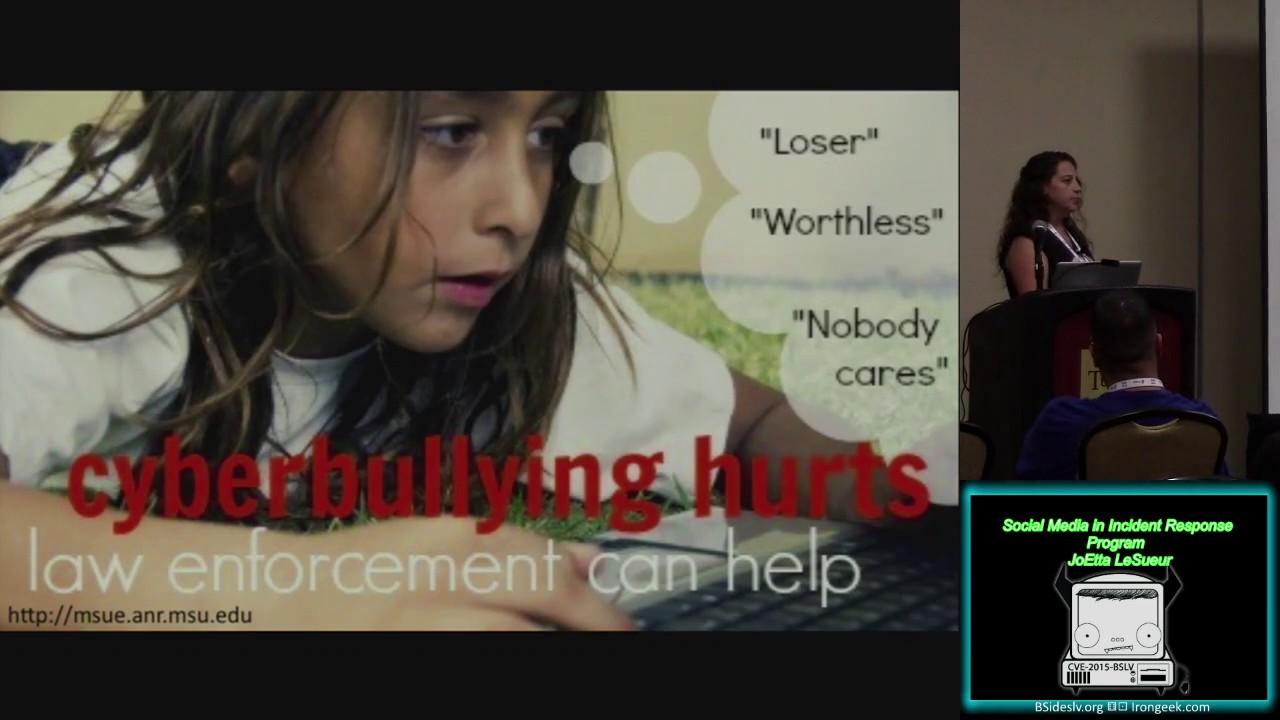
applications. Example of that using that kind of service are a lot of the local law enforcement agencies and public schools are trying to catch cyber bullying early and they're also trying to preemptively stop shooting sprees going on in public schools. Tweet Deck is a tool that many people are familiar with. I just wanted to mention it real quick where you could uh put in a lot of your Twitter accounts information. A lot of us have more than one. And you can schedule your tweets. So this is a great tool where you could um use as a communication tool within your IR program.
This tool is called if. It's like gift but without the G. It stands for if this then that. It's a pretty simple concept. So see if it'll play.
It's not working. I had a little video for you to show you how to create a recipe. It's not working. Okay, so it's a pretty simple concept. You would um click on this and it would show you all the available social media channels that it has already preloaded. So they have Instagram, Twitter, uh Tumblr, etc. And then you would choose Facebook or Twitter. And you would say as a trigger when I like when I favorite a tweet, I want you to then do that. And you click on that. And then you would choose a different channel. Uh let's say you want to email yourself. So when you favorite a tweet, you might want to email yourself. So you could set
up this very simple concept with this if tool. So an example of how you would use this in an incident response, right? So you might want to be um following your uh Twitter account for activity of like confidential information getting sent out without your knowledge like hacking team for example. Then it could send you an email and alert you right away. So, let's say we wanted to again take this up a notch and look at several social media applications that um you could uh see if this work. Okay, that one's not working either. Sorry. All right, so Net Vives is another tool that you could set up to use many social media applications. Uh, let me see if I could do that live.
All right.
Won't let me do that either. The way the uh board is set up. Okay. If you want to know more about Net Vibes, you can certainly see me after the talk. But with this tool, you can set up what they call a potion, which is very similar to the concept of recipe that we just saw where it's an if this then that kind of scenario, but you could select many social media tools at the same time. So I could say if I uh liked a post in Facebook and I also favored a tweet in Twitter, then I could email myself, my superiors, I could send a photo to Dropbox. you you can do all kinds of things and link them all
together. Sorry about that. All right. So, I've got a couple of tools for you that you can take back uh with you. Hopefully, there's one or two there that you might be able to use in your IR program. So, now you'll be like the superhero of your infosc world, right? You're like, "Okay, I got this tool. I'm going to go back and I'm going to throw this into my network and I've got it." Right? Well crap. Now I've got a ton load of emails and text messages. Now I've got tweets going everywhere. Does that mean you're screwed? No. That means you need to pop the cork off the wine bottle and sit down and get
it filtered. Look out for the noise. You're going to have some noise. you're going to have a lot of chatter and you're going to need to tweak it and filter it to the point where you can actually get meaningful information out of it. So, there are some security concerns when you're dealing with social media into your u IR program. So, one of those may be that you have a lot of users and they're all allowed to post whatever they want on any of the social media applications. So, you might want to have a restricted list of employees only allowed to post the information that you need from a you know official communications strategy. You also need an exception
policy. you know, you will have exceptions and so go ahead and get that policy in place. Now, look out for the imposters. You're going to have fake accounts. You're going to have topic hijacking and you need to come up with a plan of how you're going to address those situations. Okay. So goal three of this talk was to really talk about getting a a policy and standard and guideline in place and be specific. Restrict the access. Have an exception policy. Look out for those fake accounts. Work with your legal department. Be aware that misinformation can occur. So don't react too quickly, but gather as much information and react timely. All right. So, let's see if we can uh
paint a picture, as they say, of kind of the big goals of this talk. Pick out two social media applications that you feel like you could put into your IR program. Make sure they have the laser focus that you're looking for that you can configure it to your needs. Strap on a policy with some guidelines and then look out for the imposters. So with that, I wanted to say thanks for all the BIDES volunteers, sponsors, donors, my mentor Ian, and my KSU professors. Any questions?
Oh, sure. Absolutely.
Let's see. We're getting there. Like it's slow. No, it's fine. I debated about having it at the end.
Yes. So, most of them are free tools. That was about the um the uh snap trends and the other one was Very trends map you could also get a premium version for.
Yeah. So it just depends on your particular situation on how long it's going to take to filter. It depends on how many you know recipes or potions that you configure and how many different social media applications how complicated you make it. You know this. Sure. Any other questions? All right.
Related talks
 51:51
51:51 32:48
32:48 33:48
33:48 54:33
54:33 31:06
31:06 20:51
20:51