BSidesBoise Live Stream

Show transcript [en]
turn the
off he said boys he live stream
negative the current like the homepage of the channel I'm on home oh there it is look here here
okay p on a window capture there's a some guy from Apple just kid oh is already streaming oh I can I think I see
something
oh do you guys see the uh full screen slide
oh yeah it's there are you seeing it on YouTube now or
uh one two
three four 5 six
spe
[Music]
don't
yep do I need to add another sour stop all right get this set properly I got to do a
thing I like that better so on audio and I can share my screen um just so yeah let me do that
okay we show as back being live now you show me where you
are what the [ __ ] am I watching
H I go live will that get me this okay Eric so let's get let's get Eric's Zoom call back up in the YouTube Share
got you over on Zoom now but I don't have you on YouTube yet so we need to look at pulling up my window capture again quick I just change that pull up my window capture again change the good news is I can hear Eric just fine although I can't hear his if I'm speaking can you hear me speak okay we're verifying if I'm speaking can you hear me speak okay yep you come through loud and clear very good uh Eric check your volume on your video turn it up a little bit turn this one up okay yep turn this one up okay can hear it now no I still can't hear that one hear it
now hey Rob check and see which set of speakers your Zoom call is going
through as an attacker and also we'll talk about blue team stuff uh okay I just adjusted that one to Ripper as well my headset sweet okay just suggested that one to Ripper as well my headset all right so we should have all Rob can you hear Eric's YouTube
video I cannot so you're not getting the audio from the YouTube video right correct now you probably wouldn't if I've got headphones
on see I can hear you though yeah but that would make sense if I took my headphones off and just had oh no that's true you're not we don't need you to be able to stream audio over Zoom right we just need you to be able to show right has a video they need to show they might just need to get bent yep link it in the YouTube chat or something yeah yeah there you go holy crap okay so that was I got Discovery got too many Echoes so what did we just figure out we just figured out how to get um one of the biggest problems we were having was the default audio that Rob's computer was trying to use
was not the thing that you were listening to for your Zoom call so we need to make sure that OBS is using the same mic and uh desktop audio as your Zoom call and it's better if those things our headset so we don't get weird feedback between them to uh illustrate the point you're not hearing my fan on my computer are you in background noise or anything not to the best of my knowledge he okay and more importantly the fan isn't going to bug me um what would really bug me is if your mic was picking up the delayed audio either from OBS or from just anywhere so we've prevented that problem I think that you are good now um the
thing that you're going to need to get comfortable with is like right now what we're looking at here is kind of a mess so um let's see but this is only a mess because this is what Eric is sharing so if Eric had a a spreadsheet or presentation or something PowerPoint yeah if you PowerPoint
that and I went live that actually helps to make sure I'm watching my super lame uh presentation from today super lame presentation hey it looks like the best formatted presentation I've seen all Dayo the best the only problem we have left is in OBS would you expand that window to see if you can take up the entire screen yeah that looks a lot better what is the YouTube link is that a wonder you just shared Shen all right um you should be able to go to the boisey page the the uh I'll send you a new link turn it is a new link for each time we go through and stop stream and start a new one oh
okay Shane I would imagine that's because it's is creating a new video so it's the link to the new video that is my understanding I I agree with you in that one Zoomer so what this means is we really will need to go through and pre-schedule um all of these streams so that people can find them does that mean we don't need to record them through OBS and it'll be recorded on YouTube because it looks like they are is that a correct statement I am always happier um if we have some kind of backup but yes it does look like they are being recorded to YouTube because all of the old test ones seem to be there we should see if we can
delete some of those K none of them are pornh hubs so we're good so oh let fight through the deleting of old ones after we're done mucking with the building the new ones so has Eric speak on his PowerPoint slot yet yeah can you hear me okay there is that okay can you hear me yeah can you hear me okay there yep I can hear you just fine talking over your slides very good good good who is are we now oh stop talking Are We Now swapping rolls and having um Rob present and Eric make sure you're set up sure we can try that oh boy I got to open OBS it is probably important for
everybody to remember anything that is on your computer might stream out to the world so please don't have weird stuff on your computer because this is our like do your own thing in your own time but man okay um and I also recommend that nobody shares their um uh browser because you'll type in P or something and it'll autop populate to Pornhub and then everybody's going to laugh at you this is when you use a new incognito window yeah that that is the right way to do it a Firefox Focus or whatever all right um so in OBS where do I want to go start streaming right all right you're going to need
Related talks
 29:55
29:55 24:10
24:10 24:45
24:45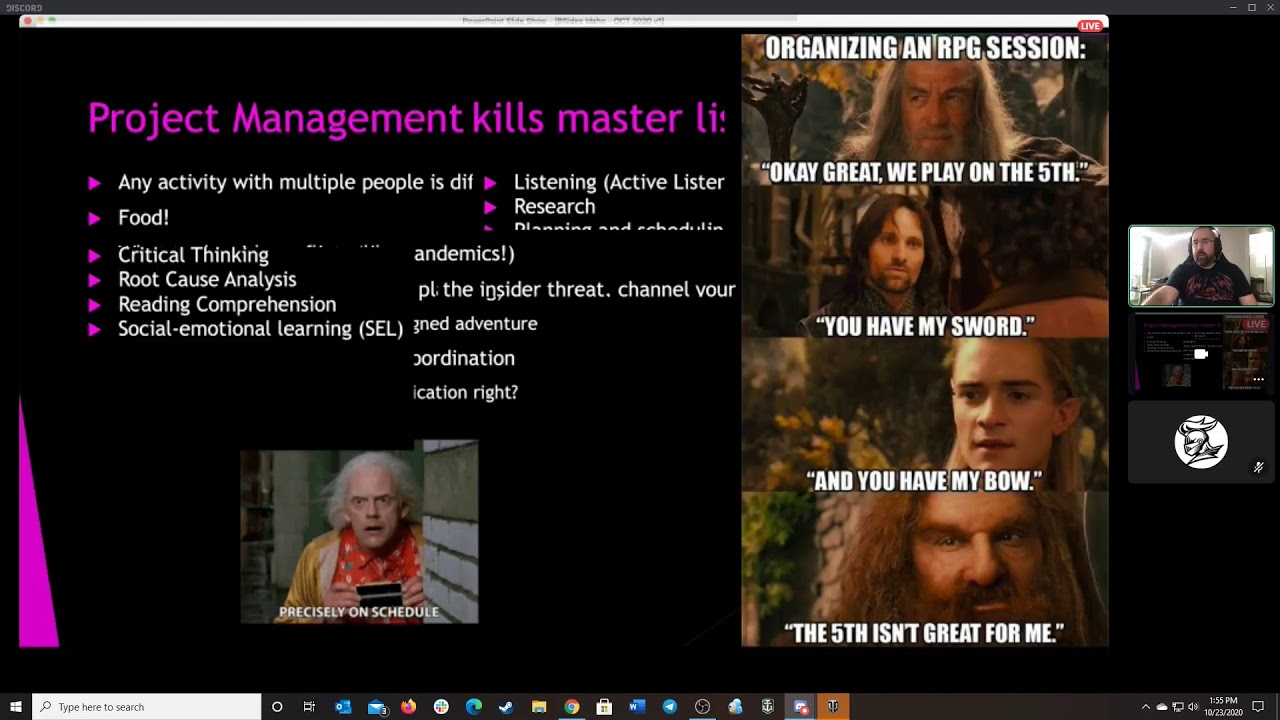 24:17
24:17 20:55
20:55 23:04
23:04