0Keyboard: a simple keyboard with the evil inside
Show transcript [en]
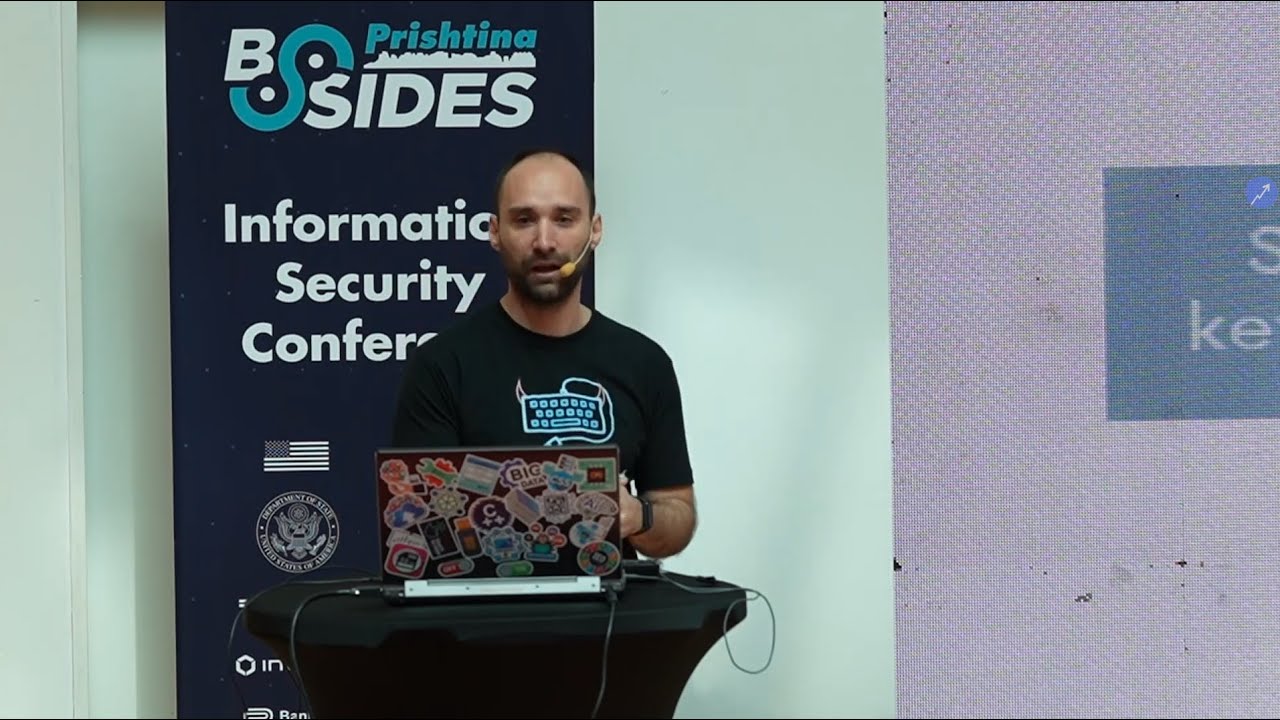
uh thank you all of you my name is and today we're gonna talk for a keyboard that i make i made some modification in simple keyboard that you can see it's just a simple keyboard like cheap symbol keyboard and i named it zero keyboard because on it is the raspberry pi zero and i'm going to explain during this presentation all of them uh just a short presentation first of all that that pixel was not mine so don't judge me uh my name is castrovito i'm from mitra visa that is nearby city here in kosovo i'm a cyber security engineer qa engineer as a software developer i've been participating in cyber security as i started as a child
as a 12 years old and novice predict is going like 18 years first like a script kitty now let's say advanced scripting okay what we will talk in during this presentation is what is zero keyboard how i made it uh cost of building zero keyboard because the zero keyboard is a keyboard that is very uh low for low cost top of the attacks that zero keyboard can can perform and we have a live demo at the end of presentation of course q a presentation q a part gonna be part of this presentation too what is a zero keyboard zero keyboard is can you hear all of us okay uh a zero keyboard is a simple keyboard a
simple cable keyboard that actually on it i haven't planned a raspberry p0w this is a raspberry pi that actually you can control it uh via uh wi-fi or bluetooth uh besides that i have had another another device on it that is usb hub just to make uh the cabling and all stuff more more efficient and actually on it i'm running kali linux and raspberry pi and actually on top of the calling list i have uh another framework called pom pi it's open source framework that uh enhance the raspberry pi to make different types of attack like kiss rockets attacked or scanning network or all things zero keyboards this device actually can be used for red team engagements and
physical penetration testing i added by here but this same is how how it look as a final product and uh yeah it looks as a normal keyboard nothing nothing good and actually i'm presenting this i'm changing slide using it so it's act as a normal keyboard if you don't sign any attack to it uh the port that i should have been used for for uh developing this device is a simple keyboard with the cable because all that is gonna be using usb cable a usb hub that actually is used to manage some of the cable inside the uh the keyboard raspberry pi zero w uh micro sd card for operation system or s because there are spear raspberry pi w that have
a internal memory and a usb cable just to make some lines inside the inside the keyboard uh this is a raspberry pi zero is actually a very small uh factor a raspberry pi uh this is a keyboard this is a usb hub that i was using and yeah as i call it a simple short uh usb micro usb to 2a the first step of developing this device is to the assembly device to go uh to the microcontroller that actually control actually how the hold the keyboard uh word actually had has the keys on the under the keys or the the bosses that control when you type any any any tasks in the keyboard they're gonna
register what else they're gonna send to this microcontroller here and it's gonna send to a cable with a cable to the computer and this way this is uh where things work on it this is a usb usb hub for four ports and actually what i did i strip it down just to make more to make more space on it because uh because when you make this kind of device yeah yeah you have very tight spaces on on it and since the cable of the this microcontroller is long and the cable and of the usb hub is very small i need to cut both of them and to end to realign so just a short description about the cable usb cable
actually have four fins uh one is uh the black pin is for ground the red pin is so for five volt and the white and green is for data inverted data data plus nothing is just to manage the interference and of the stops so what i did here you can see in the microcontroller there are four pins actually r5 but this one the bolt black pin is just a isolator pin nothing related to the usb or functionality and uh same is with uh usb hub what you can do you can cut them and change the cable in and afterwards change the cable you can see the usb hub not have a longer cable so after i did that uh this uh next port
was to implant the raspberry pi usb usb hub and to line it with the with the microcontroller so this is the the us usb hub that has this cable and this cable is going to go to the computer and this is the uh microcontroller of the keyboard and actually i'm linking it to the usb hub this is a raspberry pi that has a cabling going to the usb hub and what happens when you plug it in computer actually you plug your usb hub that actually give over to the two devices to you to the keyboard itself and to the raspberry pi that is inside the keyboard and the next steps in part of the building is to
assemble and make it like this but in my case when i plug it in that work why did that work because the plate between the raspberry pi le keys is metallic and if you don't oscillate it they're gonna make sure circle on raspberry pi so what i did i just laid uh put some isolated tape on top of it just to avoid the the short lines electronic short lines there actually i haven't uh developed any any anything from a solver but i i'm using kali linux as a simple phone operation system for raspberry pi and on top of that i am running this framework that is pompei it's open source framework you actually everyone can find
in the github and it enhances raspberry pi and have a nice web interface that you can configure every device like every component of the raspberry pi like inputs uh wiffy uh bluetooth connection and all of them i will explain some of the features in live demo that we are having after so then this one is uh the cost of building it actually is very low cost i have bought this uh keyboard that actually you can see right now for 10 years before three or four years maybe now it's cheaper it says your simple usb hubs of course phi raspberry pi actually i bought raspberry pi for three two years ago now maybe the prices are lower
and as as the court and simple simple cable just for wiring and wiring tape just to make some isolation in order not to avoid the short circles uh because this keyboard has implanted that uh raspberry pi uh w uh zero w that actually is a micro uh microcontroller that has bluetooth and uh and v on it besides that actually it has a usb cable that can connect with the computer and can mimic some of the behaviors that some of devices like you can use as a usb internet you can use a serial usb you can use the mass storage you can mount the storage actually that is part of the as the cord as a remote disk you can use as a
keyboard uh as a keyboard and and the mouse having all these features you it can make uh enable you to to perform different types of attacks one of them is keystroke injection using vpo bluetooth another one since uh is going to live in the same network that when you are playing placing it actually you can do scanning like uh network scanning using usb internet vp or scanning for nearby bluetooth devices pretty much everything that you can do with the raspberry pi outside the outside the keyboard and another type of attack that you can do it uh since you have it connected to storage you can extract data from the device from the devices when the usb the keyboard is connected
and send it to the internal port in raspberry pi and after that you can connect to the raspberry pi using vv and extract to your computer so it's like a pivoting from one to another device this is also uh uh of port of attacks and and how i build and actually i have a simple demo that uh i will do a like demo uh the the demonstration is that of this demo is doesn't have to do with the how advanced the payload is or or how well the payload is crafted but uh more to see how open is this device to to developers and security engineer to develop any type of any type of payload they can be used
i have make a simple diagram just to explain how how this uh how this uh payload work actually this is attacker using a phone it can connect via bluetooth or vp to the keyboard and after that the keyboard can send keystroke injection uh uh to the to the computer and the keystroke injection gonna open run as part of the windows operation system is going to execute powershell commands that download and execute another powershell script that from a server that after that over stages to to grab the malware executing computer decode decode all the uh passwords saved in chrome use smtp to send to the email and actually the attacker can can go to that email
and see see there see the credentials starting from from the computer now support when i will i will do a live demo and for a demo since we are we have just one screen i am attacking it from my mobile device so i i'm mirroring it using using this application
okay can you see the screen of the yeah i think you can see and one of three requirements is to to have a v connection on the computer because we're going to download the sun payload to it so one of my friends have shared this hotspot and i'm connect internet actually i can connect uh using the okay just to test if the internet is working
yeah it's working so uh that are gonna be from formula mobile device and as you can see the the keyboard keyboard actually have a hotspot you can connect it and actually have been connected to that maybe you can see here the zero keyboard is a hotspot that actually the keyboard is connecting and you can go to this ip this you can decide at any any type of ip you can configure it's just to have a web interface and some of the things that you can set on keyboard is the product id uh manufacturer name product name and serial serial number and this is gonna kind of bypass the type of uh uh prevention system that most of bank use
maybe are young ariana can explain most of banks using at the domain controller they add that trusted device with a serial number but what you can do you can spoof the id of the serial number okay and can add here actually i'm not going for to any feature that pom pi actually has i'm just going to the port of the keystroke keystroke injection can happen i have created that saved one one of them here and actually this is just a simple powershell script that download and execute with any code so how we can run it just click run it's gonna open powershell let's reload this for from a perfect so daniel please don't judge my powershell script
and yeah actually what what happened he said in the background it's gonna download the malicious file and all of that i'm disconnected it from my v and i'm going to my gmail yeah a lot of friends are typing right now and here we have email maybe you can see the timestamp it's 11447 just one minute ago and you can see here all the current stuff that are getting from the chrome if your one proves i can open the chrome and going to settings passwords and here you can see this is the same i'm not decoding it but actually is the same the same username credentials on it too so pretty much this is all
Related talks
 25:31
25:31 1:12:41
 39:40
39:40 1:09:05
 39:04
39:04 23:08
23:08