365Inspect
Show transcript [en]
hello everyone how are you doing today pretty quiet lunch is setting in I think this is actually My First Security conference and thank you I think these size has set the bar very high with this view I think it's all downhill from here this is so beautiful but my name is Raquel Eisman I'm a security advisor at soteria a cyber security firm based out of Charleston and today I'm going to present one of our community version tools 365 inspect this is a tool that enables auto inspection of the Microsoft environment to look for vulnerabilities and provide recommendations for remediation I came to soteria from an I.T operations role and when I learned about this tool
they were developing I thought two things first I really wanted to be a part of the team that was developing this software I thought it was really neat and second I thought man this tool would have been so nice to have all of those years as an admin managing 365 tenants talk a little a little more so over the past few months I've been working with the development team to help shape and test this software and when we learned there was an opportunity to speak with you all today we thought uh 365 inspect would be great to go over with the b-sides community in case it can help one of you or someone you know strengthen your Microsoft
environment so today I'm going to go over the makeup of the tool it's benefits I'll do a short demonstration video on how to use the tool and we'll look at some of the types of vulnerabilities on it uncovers and at the end I'll open it up to any questions you may have so before I get into the tool itself I wanted to give a little bit of background as to why we started developing this software so Microsoft is one of the leading collaboration tenants in the market and it's often prone to misconfigurations due to the sheer number of security settings so leading collaborator large volume of security settings this is a treasure Trove for attackers
if I'm an attacker and I can develop an exploit that's going to successfully breach 70 percent of companies versus an exploit that's only going to breach 30 percent of companies because they're utilizing different platforms you better believe I'm going to see how many birds I can get with this one stone and so soteria realized that they were seeing the same type of incidents over all Industries for all of their clients repeatedly occurring and not only that they realized that there were limited resources available to the public that provided no cost assessments of these environments which is why soteria began developing 365 inspect to assist organizations proactively identify these issues and help them mitigate their risk
365 inspect is an open source software available to everyone on GitHub you could download it and run it today in a matter of minutes you run one Powershell command and it executes a set of inspectors and an inspector is just our fancy name for a Powershell script there's 85 inspectors that query the tenants for misconfigurations in SharePoint Azure exchange and there's more and these inspectors are looking for things like how many Global administrators do you have enabled in your tenant which mailboxes have external forwarding rules set on them do you have a policy that blocks malicious attachments and I know what you're all thinking Raquel these are not groundbreaking vulnerabilities and we know that these
are simple settings that many companies are missing the mark on thus leading them open to attackers exploiting them
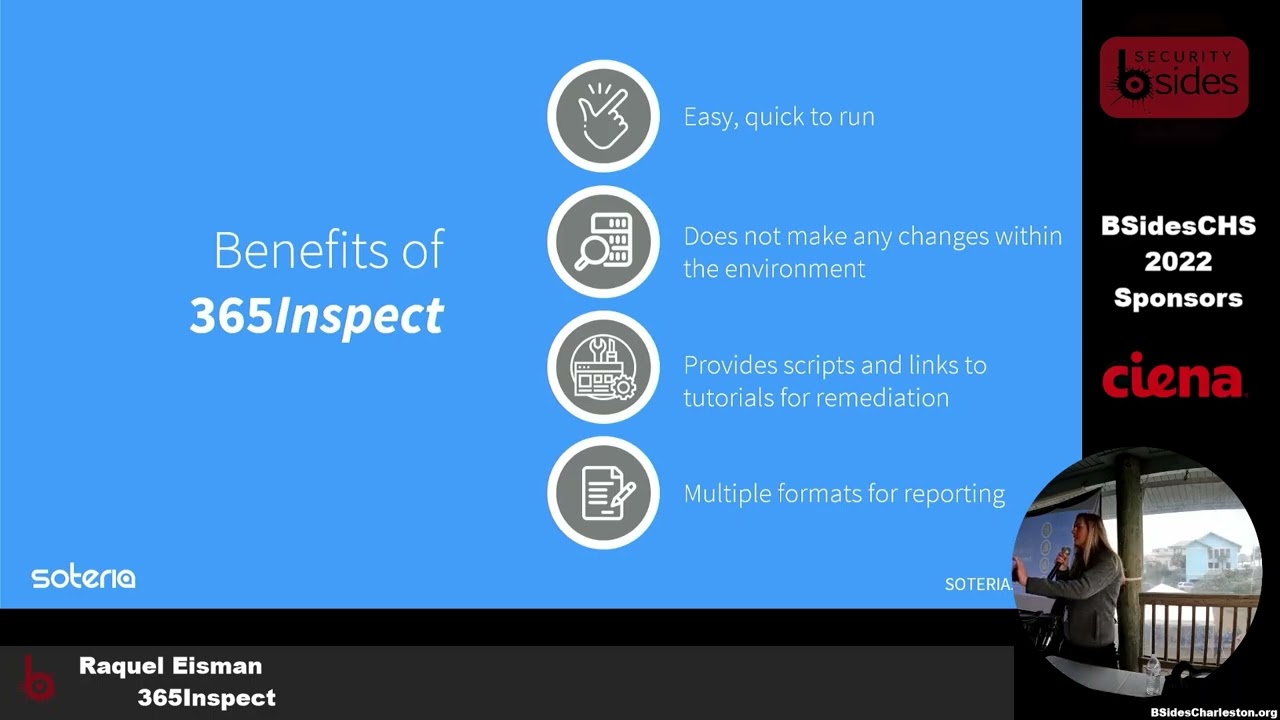
how many inspectors are run into your environment is dependent on your tenant license level so for instance if you do not have InTune setup the findings are not going to return any negative InTune values and then at the end you'll be provided with a report that's easy to read easy to understand that anyone can pick up and understand where the vulnerabilities are and how to remediate them the tool usually takes less than an hour to run it's dependent on the size of your environment so if you have 10 users it may take a couple minutes if you have 10 000 users in mailboxes it may take a couple hours it does not make any changes within the
environment it's simply pulling information to provide you with a report the report can be in Json HTML CSV whatever helps you best track your remediation steps and my personal favorite part is that it doesn't just give you a list of problems and say all right here's your findings go fix these it gives you curated steps to resolve each one
so before running the tool you'll need three key items the first is a account enabled with the global and SharePoint administrator roles this is due to the permissions that you'll need to query the tenant next you'll need the tenant or organizational name and lastly you'll need to install a couple of Powershell modules and these modules ensure that you can connect to the Microsoft services
I know I mentioned three but if you do run this you may want to get it permission beforehand before just real willy-nilly running it in your environment so I mentioned the tool is easy to use and I want to demonstrate that with the video just to note this video is fast forwarded a bit so I'm going to try not to sound like an auctioneer but I do want to note that the video is not cut in any way I wanted to show the entire process of running the tool from start to finish okay so to navigate to The Tool we're going to go to GitHub and type in 365 inspect you want to select the soteria security
repo and first we want to set up our Powershell environment to run the tool successfully so we're going to run Powershell as an administrator
and we need to set our execution policy
and next we want to go back to GitHub and we're going to grab those install modules that I talked about earlier in the pre-buck slide and while those are installing we can go back and download the tool zip folder so we can navigate back to GitHub select code and download zip
code once we're back in file explorer we want to extract all the contents of the folder
I'm gonna move it to our C drive
now we can navigate back to the terminal and locate the folder
now we want to go back to GitHub underneath the usage section and we're going to copy the execution script
we'll paste that in the terminal and before we can run it we need to make a few adjustments so the first thing we're going to change is the authentication type we're going to set that to MFA because that's what we have enabled on our Global administrator account this is extremely important due to the high level of privileges that are on the account and next down here you can see we're setting our user principal name this is the user account of the global administrator role that we have assigned for the output path we want to put in the path that we would like the report to reside in at the end so for this example we've just made a folder called
report off the C drive and lastly you need to put in that organizational name which is often just the domain name of the email address that you put in earlier a number off and running we started installing making sure all those modules are good those are going through and you're going to be prompted for those global administrator credentials each time you're connecting to a module so we're putting in our username our password our MFA prompt you may see that there's an error here we did put that in on purpose I promise there's nothing wrong with it we just wanted to show that if it has an issue connecting to any of the modules the report's still going to run
and at the end there is an error log that you can help you troubleshoot if you do need any support so we've connected to Azure exchange we have InTune it's going to show you the permissions that it needs to connect and lastly it's going to go through Microsoft graph by now it's just an easy click with our credentials to log in and now we've started in running those inspectors that we were talking about and it gives you the inspector name of each one this is a pretty small tenant so it doesn't take that long a couple minutes it's already asking you would you like to disconnect your session yes we would today because we're not going to run the
report again and it's done now we can take a look at the report so we're going to go back to that output graph we designated off the C drive called report we can take a look we're going to hit our HTML file it's kind of hard to see but this is our end product which is it shows all the inspectors that were run all 85 of them and out of the 85 inspectors which ones pulled vulnerabilities so this is our test tenant that we have set up with a couple findings in it it shows that there were 34 vulnerabilities found out of the 85 and these are all sorted by their inherent risk I just want to jump into one of these
findings here to show that each one has clickable links with reference guides and these guides could be blogs step-by-step tutorials additional guidance from Microsoft on how to remediate these findings and that's true for all of the findings here they each have clickable links and one last thing I wanted to show in the video before we jump into one of the findings a little deeper is that it also provides you with text files with additional information for each finding so in this case we have some external access policies that were separated out
here we have an example of one of the findings you may see in a report and in this case it's an improper number of global administrators we see the returned value which is the eight user accounts that halves has this permission assigned a description as to why this is an insecure practice so in this case more administrators equals more attack surface the default value which in this case Microsoft has set to One account the expected value which best practice dictates setting this threshold between two to four users depending on the size of your environment I wanted to pause here to note that the default value and expected value were not originally in the report that
soteria created these were contributions from GitHub members of the community that soteria thought were awesome they tested and put it into the report I thought that was pretty neat to share it also has the inherent risk of the findings so if there are no controls put into place to mitigate this vulnerability what is the natural risk of the finding and risk ratings in this case range from informational to critical the remediation steps which for an improper number of global administrators is for the business to review the number of counts and determine which should continue in this role and which should be removed keeping least privilege in mind and maybe you decide that you need 10 Global administrators to run
your organization you want to accept that risk that's up to your discretion as to how you proceed and the next time you run the report there is an exclude flag you can put in to remove this inspector so you don't see it in the report next time and lastly like we went over in the video there are some reference links that may provide you with additional guidance as to how to remedy these steps on the next example here I wanted to show one of those text files that we covered in the video so for this finding we're looking at mailboxes with forwarding rules to external recipients and it says to see an Associated text file with more information
and we didn't want to just list all of the rules in each report because that can get a little bit messy so we've separated it out and here we can see the mailbox the world name and the external recipient it's forwarding to and on our last example slide here I just wanted to show a remediation that has actual step-by-step guidance in it it's a little hard but it's saying to click through to threat management and turn on a policy to block malicious attachments and so anytime there's a remediation step that's between two to four steps we put it right into the report if it's a more lengthy process that's when you would go to the references section here
foreign the feedback we've received from members of the GitHub community and our clients has been immensely positive and so we wanted to share this tool to help get the word out as I was going through the slides if you were thinking man I have a really good idea for an inspector or a way to improve the tool download it customize it or contact us and let us know your thoughts we do have a contribution guideline link on the GitHub site if you'd like to make any inspectors or try to change the tool we're open to any ideas this is a living community tool that we hope you make your own
are there any questions
Related talks
 36:12
36:12 43:49
43:49 27:45
27:45 40:50
40:50 45:56
45:56 47:48
47:48